


Amazing comfort for anyone struggling with heart issues.
Qaly help
A little help. A clearer next step.
Find answers to common questions and explore ways to get more from your ECG recordings.
Browse topics
Subscription and billing
Cancelling, renewals, and payment emails.
How do I cancel my subscription?
You can cancel your Qaly subscription yourself in the Qaly app: tap You, then Subscription, then Cancel subscription at the bottom of the screen. You keep your unlimited reviews until the end of the billing period you’ve already paid for. You can also email support@qaly.co from the address you were billed with and ask us to cancel.
Tap You in the bottom-right corner.
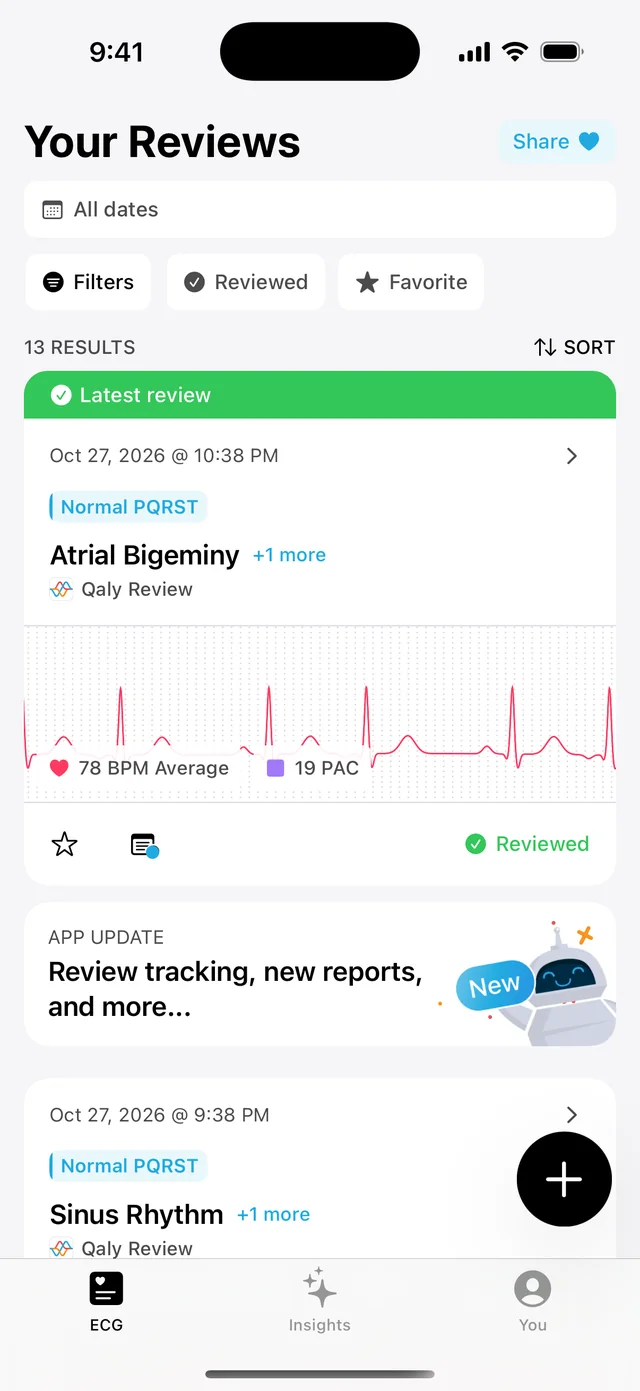
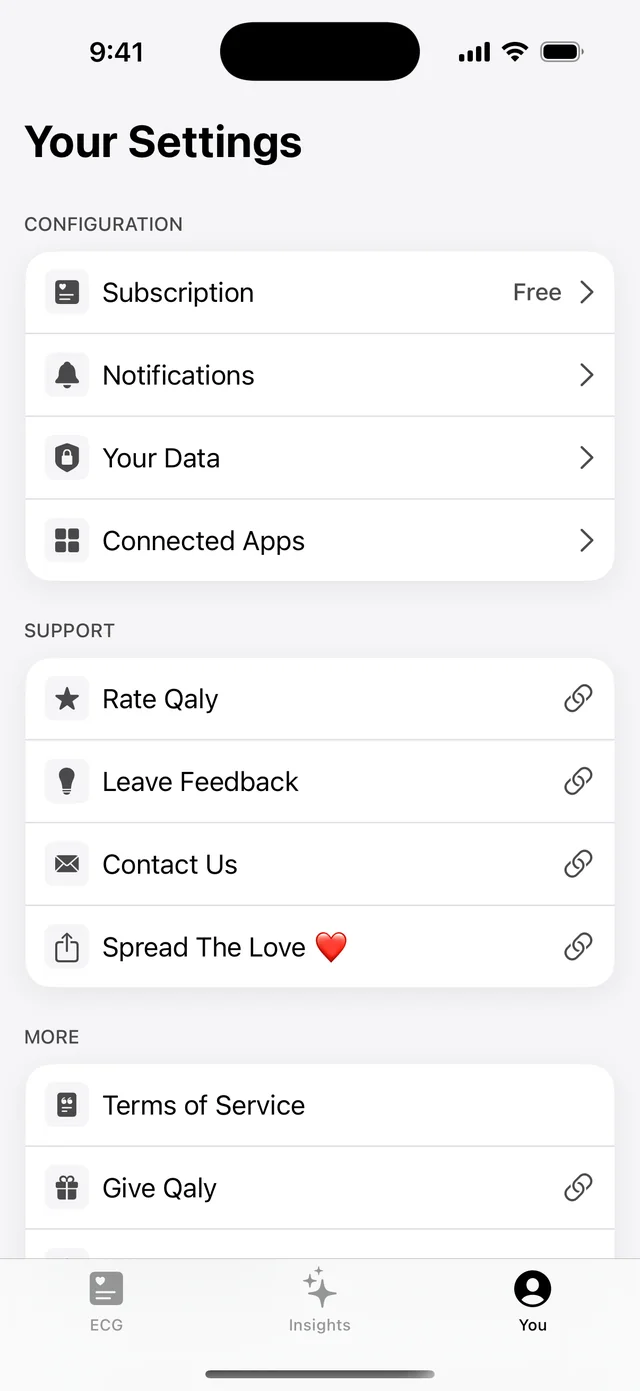
Tap Subscription.
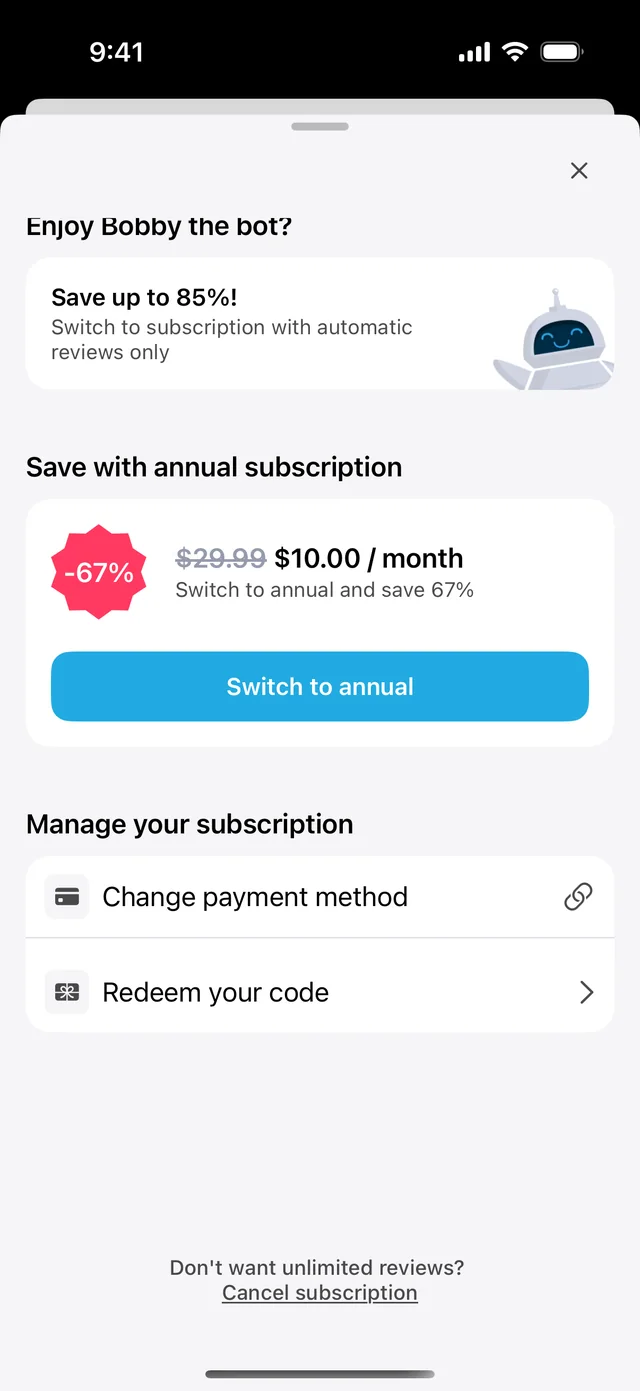
Scroll to the bottom and tap Cancel subscription, next to “Don’t want unlimited reviews?”, then follow the steps on screen.
If you email support@qaly.co to cancel, we’ll reply with a secure link to confirm the cancellation. The link works once and expires after 24 hours.
Does deleting the app cancel my free trial or subscription?
No. Deleting the Qaly app doesn’t cancel a free trial or subscription, because Qaly subscriptions are billed by Qaly, not through the App Store or Google Play. Your trial keeps renewing until you cancel it in the Qaly app, under You, then Subscription, or ask support@qaly.co to cancel it for you.
Why did I get a “payment to Qaly was unsuccessful” email?
It means your Qaly subscription tried to renew, but your card was declined, so no money was taken. If you don’t want to keep Qaly, reply to that email or write to support@qaly.co and we’ll cancel the subscription so you won’t be charged.