


Amazing comfort for anyone struggling with heart issues.
Qaly help
A little help. A clearer next step.
Find answers to common questions and explore ways to get more from your ECG recordings.
Browse topics
ECGs and reviews
Adding recordings, review times, and ECGs that couldn’t be read.
Why aren’t my Apple Watch ECGs showing up in Qaly?
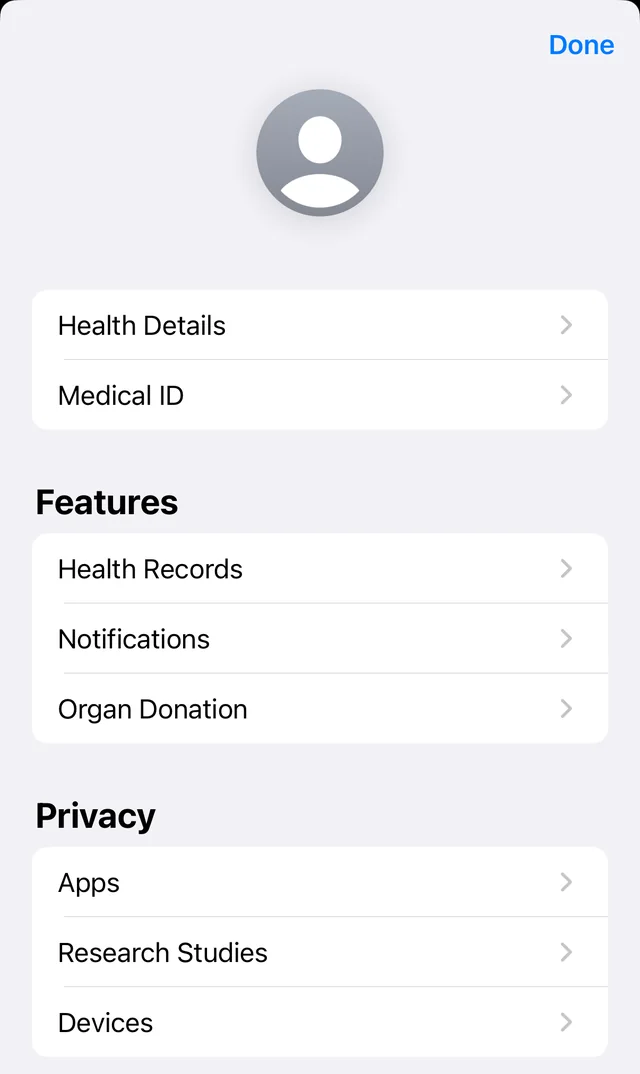
Qaly gets Apple Watch ECGs through the Health app on your iPhone, so they only appear once Qaly has permission to read them. In the Health app, tap your profile picture, then Apps under Privacy, choose Qaly, and turn on Electrocardiograms. If a recording is in Health but still not in Qaly, restart your iPhone or email support@qaly.co.
Open the Health app and tap your profile picture in the top-right corner.
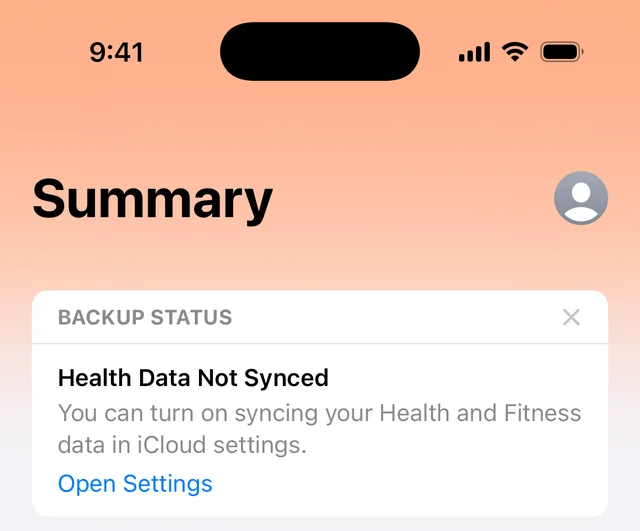
Under Privacy, tap Apps. Choose Qaly and make sure Electrocardiograms is turned on.
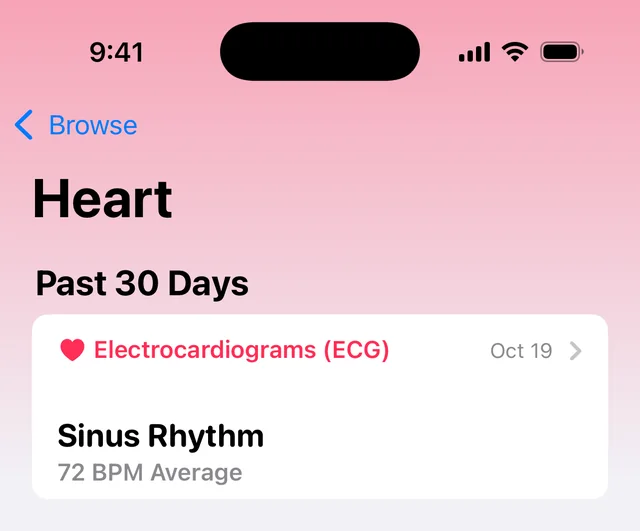
Check that the recording is in Health: go to Browse, then Heart, then Electrocardiograms (ECG).
Still not showing up? Turn your iPhone off, wait a few seconds, and turn it back on. If a recording is in Health but not in Qaly after that, email support@qaly.co and we’ll take a look.
How do I add ECGs from Kardia, Samsung, Fitbit, or another device?
In the Qaly app, open the ECG tab, tap +, and choose your device. Qaly walks you through exporting the recording from Kardia, Samsung Galaxy Watch, Fitbit, Withings, Wellue and other devices and bringing it in. Using a device that isn’t listed? Email support@qaly.co and we’ll help you get your recordings into Qaly.
On the ECG tab, tap +.
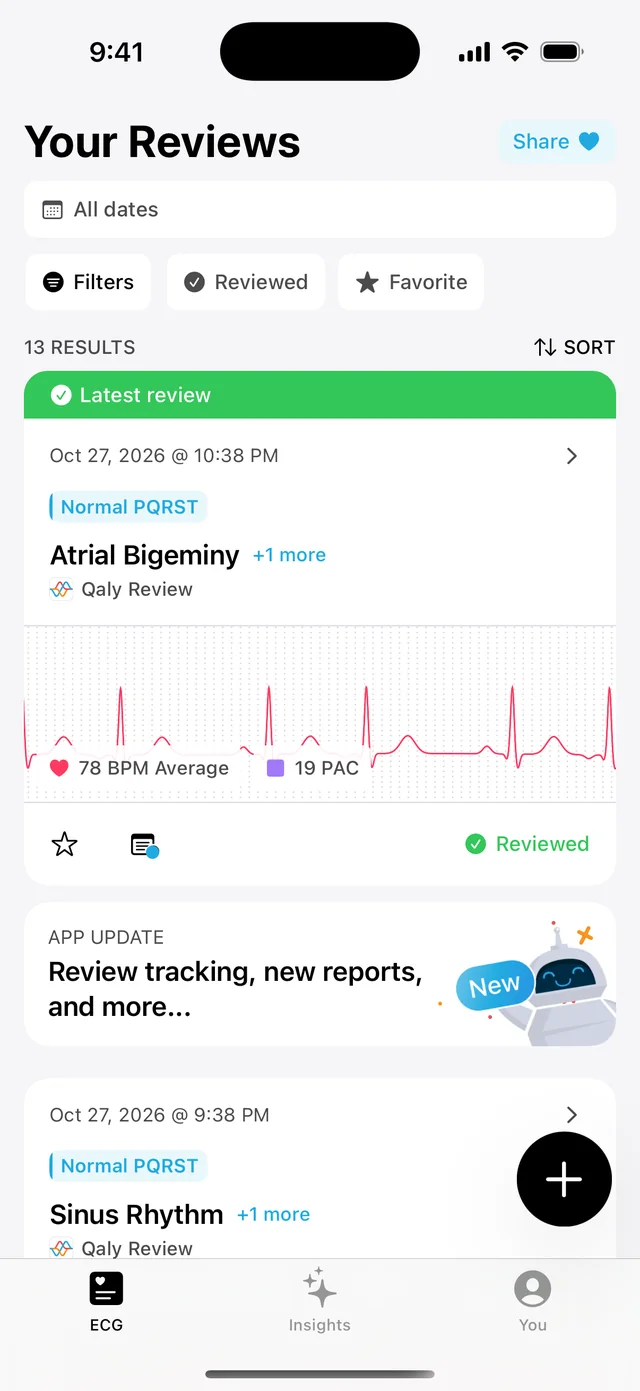
Choose the device you use. Qaly walks you through exporting your ECG and bringing it in.
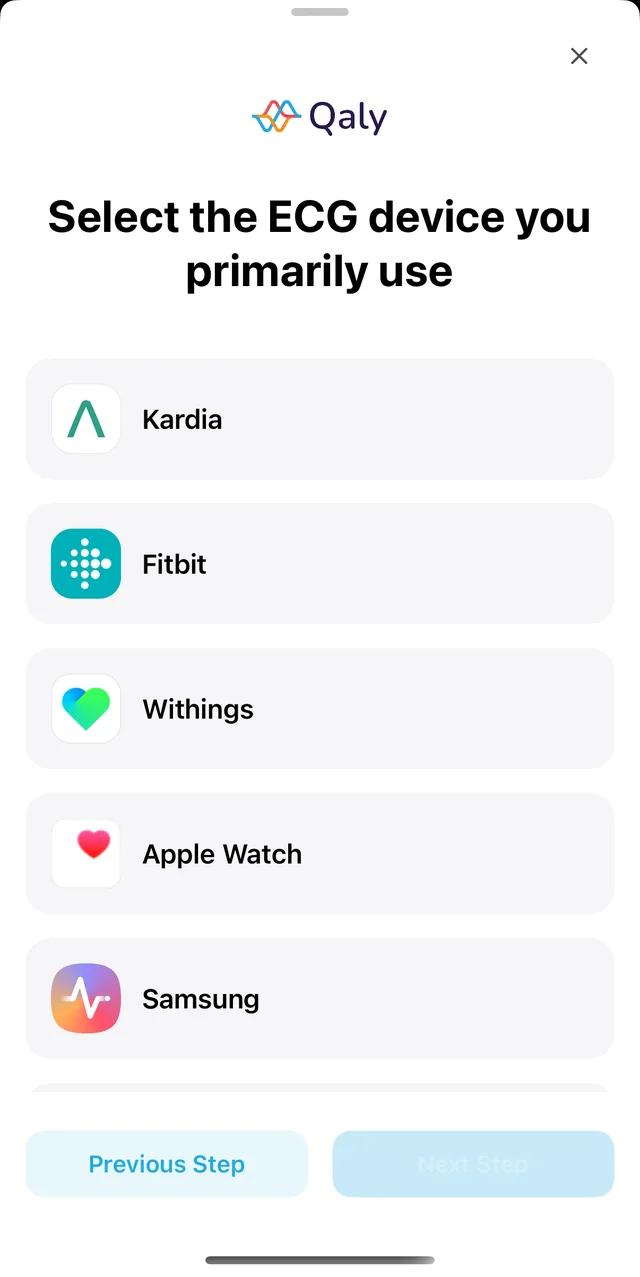
Our step-by-step guides also show where to find the export option in each device’s own app:
How long does it take to get my ECG read?
Automatic reviews by Bobby, Qaly’s AI, take a few seconds. Reviews by Qaly’s certified cardiographic technicians happen day or night, and most arrive within minutes. While you wait, the Qaly app shows how many ECGs are ahead of yours in the queue, and it sends a notification as soon as your review is ready.
Make sure notifications for Qaly are turned on in your phone’s settings, so you see the notification. If a review is taking much longer than usual, email support@qaly.co.
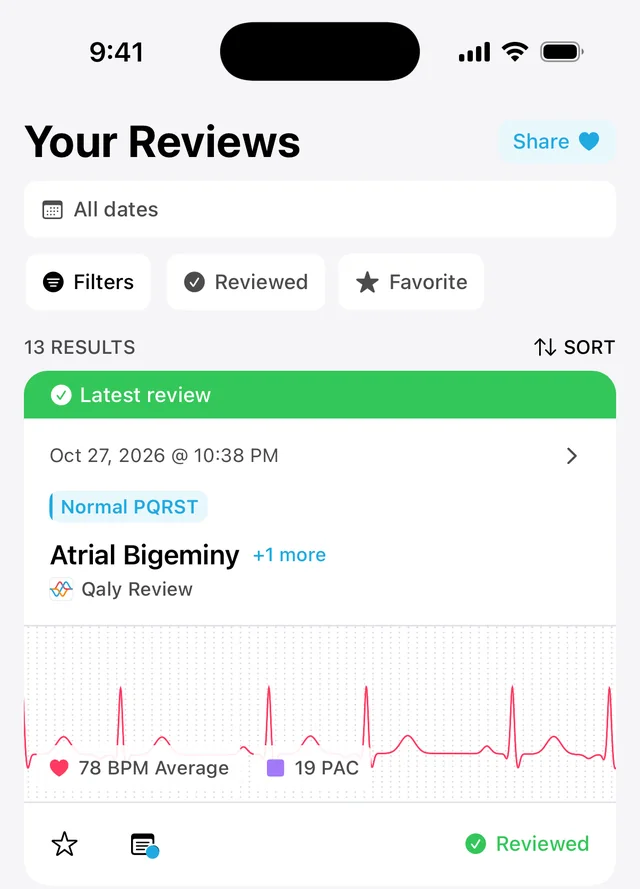
Reviewed ECGs are marked Reviewed in your list. Why couldn’t my ECG be read or measured?
Movement or a weak signal can make an ECG too noisy to read, and Qaly leaves out PR, QRS or QTc values when it can’t measure them accurately. A missing value doesn’t mean something is wrong. Recording again while sitting still, with your arms resting and the watch snug on a clean, dry wrist, usually gives a clearer ECG.
For a clearer recording next time:
- Sit down and rest your arms on a table.
- Keep still and relaxed while you record.
- Wear your watch snugly on the wrist you chose in its settings.
- Make sure your skin and the sensors are clean and dry.
Learn more about what a poor recording means.